

Never miss a new reply or ticket.
Zentip keeps an eye on the activity that matters to you and sends a native desktop notification through your browser when something new arrives. Start with a 7-day free trial; a monthly or annual subscription is required afterward.
Stay informed
Updates, without constantly checking
Zentip makes it easier to stay on top of new activity while you focus on everything else.
Native notifications
Receive familiar desktop notifications created directly through Chrome.
Timely updates
Know about new replies and tickets as soon as Zentip finds them.
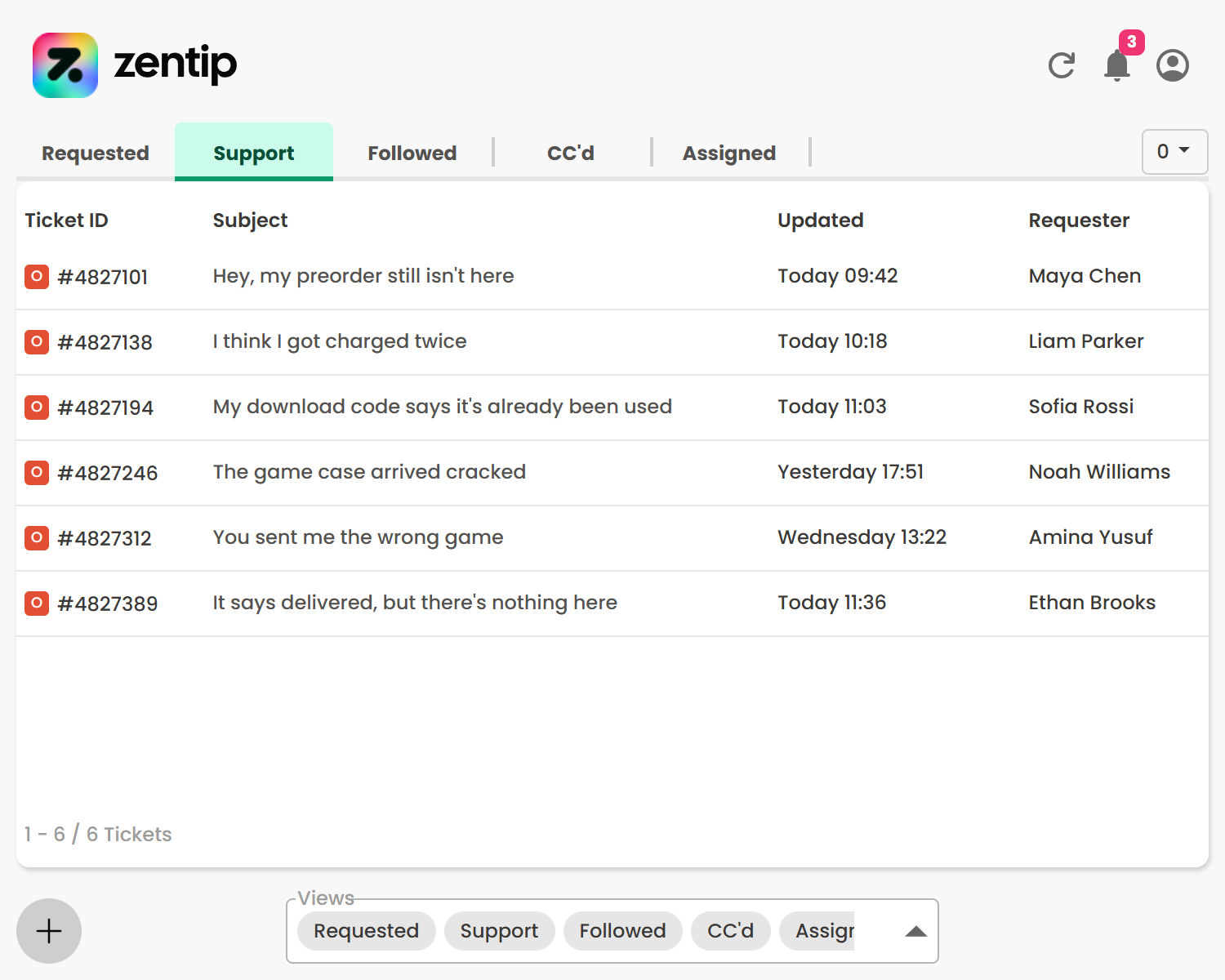
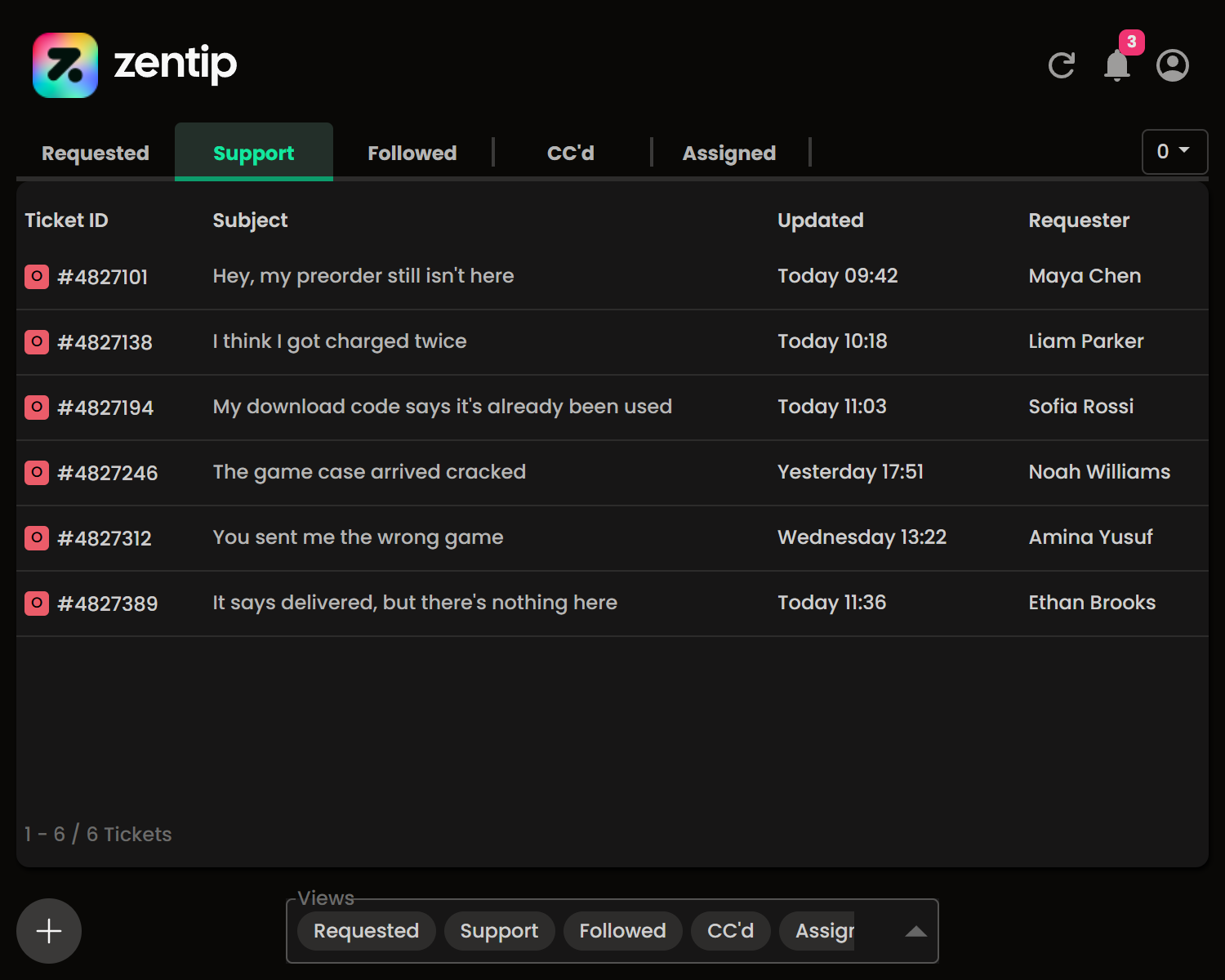
Integrated ticket viewer
Catch up on your tickets with our native ticket viewer.
Notifications menu
See all your notifications in one place with the notifications menu.
Webhook integration
Optionally send selected ticket alerts directly from Chrome to your Slack, Microsoft Teams, or Discord webhook.
Your data stays private
Zentip does not send your Zendesk data, ticket content, browsing activity, or notifications to our servers. Optional webhook and billing providers handle only the data described in our Privacy Policy.
Simple pricing
Choose the plan that works for you
Start a free trial or choose a plan in Zentip. You can cancel at any time through ExtensionPay.
Monthly
Flexible monthly access
- Renews automatically each month
- Cancel any time through ExtensionPay
- Access continues until the end of your billing period
Annual
Save €11 compared with monthly billing
- About €2.08 per month
- Renews automatically each year
- Cancel any time through ExtensionPay
- Access continues until the end of your billing period
Questions before you begin?
Find more answers in the Zentip FAQ.
What does Zentip notify me about?
Zentip notifies you when it finds a new reply or ticket in the activity you have chosen to monitor.
How are notifications shown?
Zentip uses Chrome to create native desktop notifications.
Where can I get help?
Visit the documentation for guidance, browse the FAQ, or contact us for support.
Stay up to date with Zentip.
Install Zentip from the Chrome Web Store and start your 7-day free trial.